
3 Essential Items & Apps
That Made My Solo Trip in Macau Smoother
Three Essentials That Helped Me During My Solo Trip in Macau
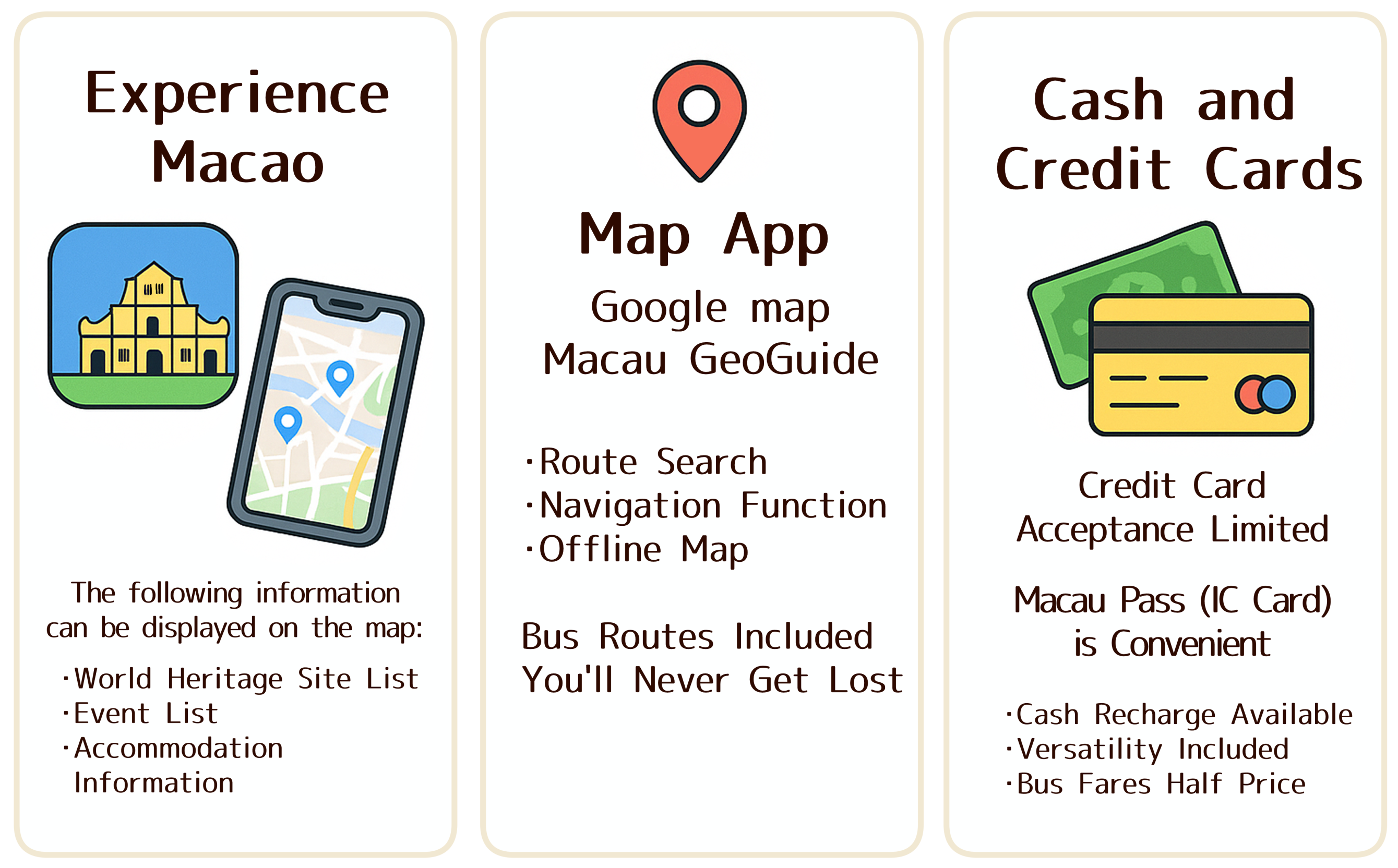
①Experience Macao (An Absolute Must-Have!)
The official “Experience Macao” app, created by the Macao Government Tourism Office, was incredibly helpful during my trip.
What made it so useful was how easily I could see where everything was — perfect for exploring World Heritage Sites and wandering through the city.
The app is free to download on both the App Store and Google Play:
Here are the features I found most useful:
🗺 Map View for World Heritage Sites & Tourist Spots
Macau’s World Heritage Sites are spread across the city, and this app shows them all on one map.
You can tap any spot to read a short description — extremely helpful when planning your walk.
📅 Check Local Events in Real Time
The app lists events happening around Macau.
If the timing works, you can drop by spontaneously — a fun bonus for any traveler.
🏨 Useful Directory for Dining, Shopping, and Hotels
Restaurants, shops, hotels… everything is neatly categorized,
so instead of searching endlessly online, you can quickly find what you need.
🚌 Tips for Bus & Taxi Transportation
The app also gives an overview of transportation options.
Even having basic guidance on buses and taxis made my solo travel feel much more secure.
🌐 Easy-to-Read Map Navigation
The map and navigation features were especially helpful when visiting World Heritage Sites.
Being able to instantly see “what’s around me” and how to get there made exploring much smoother.
②② Google Maps (or Macau GeoGuide)
📍 Google Maps is Still the Most Reliable Choice — Perfect for the Old Town & Bus Travel
It goes without saying, but Google Maps was a lifesaver during my trip.
Macau’s old town is full of narrow streets and winding alleys, making it very easy to lose your sense of direction.
Using Google Maps together with the Experience Macao app made everything twice as comfortable.
It was especially helpful for visiting World Heritage Sites — not only showing the route from my current location, but also helping me understand the atmosphere and distance of the area.
🚌 Excellent for Bus Navigation — Truly Essential
Macau’s buses are used a lot when traveling around the city.
Google Maps’ route search, which includes available bus lines, was incredibly helpful.
It shows:
Route options
Approximate travel times
Bus numbers
Nearby stops
So you don’t have to wander around wondering which bus to take next.
For example, if you search the route from Macau Port Immigration to Casino Lisboa,
Google Maps displays the bus options and estimated time clearly.
⚠ Accuracy Can Vary — Have a Backup Just in Case
Online reviews mention that Google Maps sometimes shows slightly inaccurate GPS coordinates in Macau.
I personally did not experience any issues during my trip,
but having a backup plan gives peace of mind.
Here are two alternatives you can prepare:
Alternative ①: Macau GeoGuide
A local navigation app for Macau.
(Although I didn’t use it personally, installing it beforehand can be reassuring.)
Alternative ②: Save Offline Maps on Google Maps
Download the entire Macau map before your trip.
Even if your data connection becomes unstable, you can still navigate safely.
Google Maps supported every part of my solo trip — from exploring World Heritage Sites, to wandering through small alleys, to finding the right bus.
Using it together with “Experience Macao” gives you both local insights and accurate navigation, creating the perfect setup for smooth travel.
③Cash & Credit Cards (You Should Carry Both)
💳About Credit Cards in Macau
In Macau, VISA worked smoothly at major tourist spots and shopping malls.
According to online information, MasterCard is also widely accepted.
However, many local eateries, small shops, and older establishments only accept cash or Macau Pass.
Some travelers even report that convenience stores often do not accept credit cards.
Here’s a simple breakdown of card usability:
VISA / MasterCard: Most reliable (recommended)
Amex: Mostly limited to large hotels and upscale places
JCB: Rarely accepted — don’t rely on it
Because of this, I found myself using cash or Macau Pass for most small payments.
That said, having at least one major credit card (VISA or MasterCard) offers huge peace of mind — especially right after immigration or when you run out of cash.
If you bring only one card, I strongly recommend VISA or MasterCard.
💸Paying with Cash or Macau Pass
Small restaurants are often cash-only.
Some places do accept Macau Pass, but credit cards are still limited in many situations.
Personally, I recommend carrying some cash while using Macau Pass as your main payment method.
This combination was the most convenient and stress-free.
💡What Is Macau Pass?
Macau Pass is a widely used electronic payment card in Macau.
You can use it at:
 BusesConvenience storesLocal restaurantsShopsVending machines
…and more.
What makes it especially great is:
Bus fares are half price (only 3 MOP to go almost anywhere!)No need for coins — quick and effortlessAccepted at many local shops → less dependency on cash
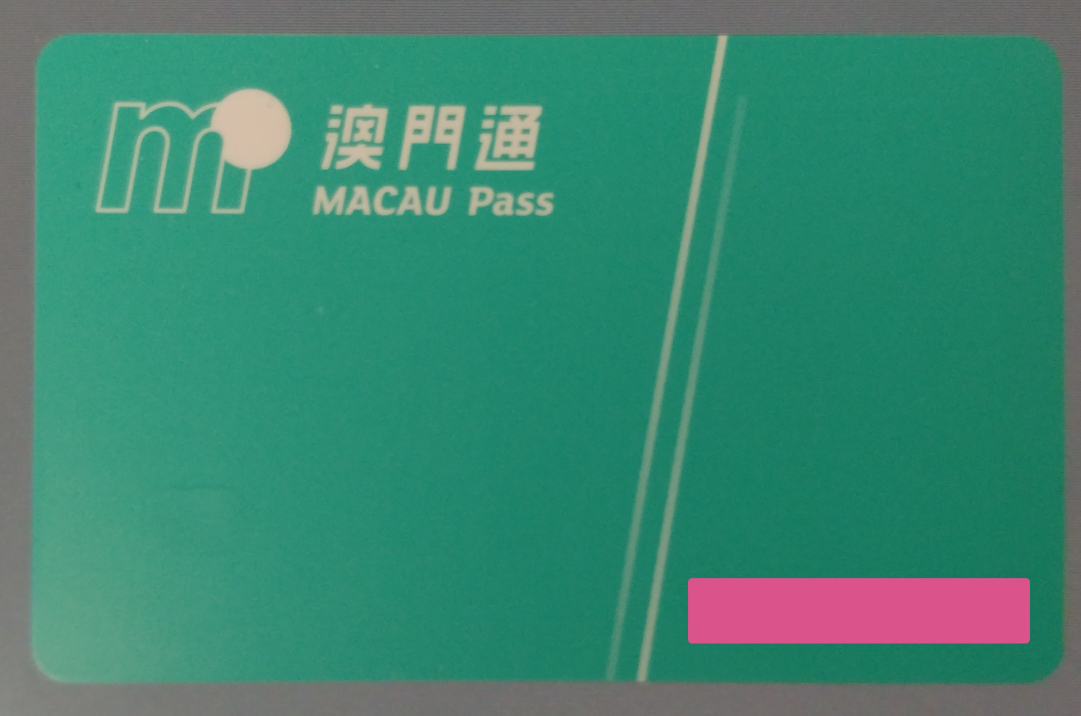
🏪 Where to Buy Macau Pass & How Much It Costs
I bought mine at 7-Eleven.
Here’s what the payment looked like:
Total: 130 MOP
- 30 MOP = deposit
- 100 MOP = initial stored value
You can also add value right at the convenience store,
so topping up your balance is easy.
⚠ Important Note – Many Stores Don’t Accept Credit Cards for Macau Pass Purchases
I already had MOP cash when I bought my Macau Pass, so it wasn’t an issue.
But many convenience stores do not accept credit cards when purchasing or topping up the card.
👉 Bring enough MOP to cover the purchase + charge amount.
✍ My Honest Impressions After Using Macau Pass
I used Macau Pass as my main payment method,
switching to cash only at small local shops that didn’t accept it.
My impression?

Except for tiny eateries, I could pay almost everywhere with Macau Pass.
It saved me the trouble of handling coins, calculating amounts,
or fumbling with change — incredibly convenient.
💰 A Small Downside of Cash Payments
Macau uses MOP (Macanese Pataca),
and it also has a subunit called Avos (like cents in USD).
At first, dealing with:
unfamiliar denominations
mixed coins (1 MOP, 50 avos, 10 avos…)
the small differences in value
felt a bit confusing.
When coins accumulate in your wallet,
it becomes harder to manage payments smoothly —
another reason why Macau Pass felt like a lifesaver.
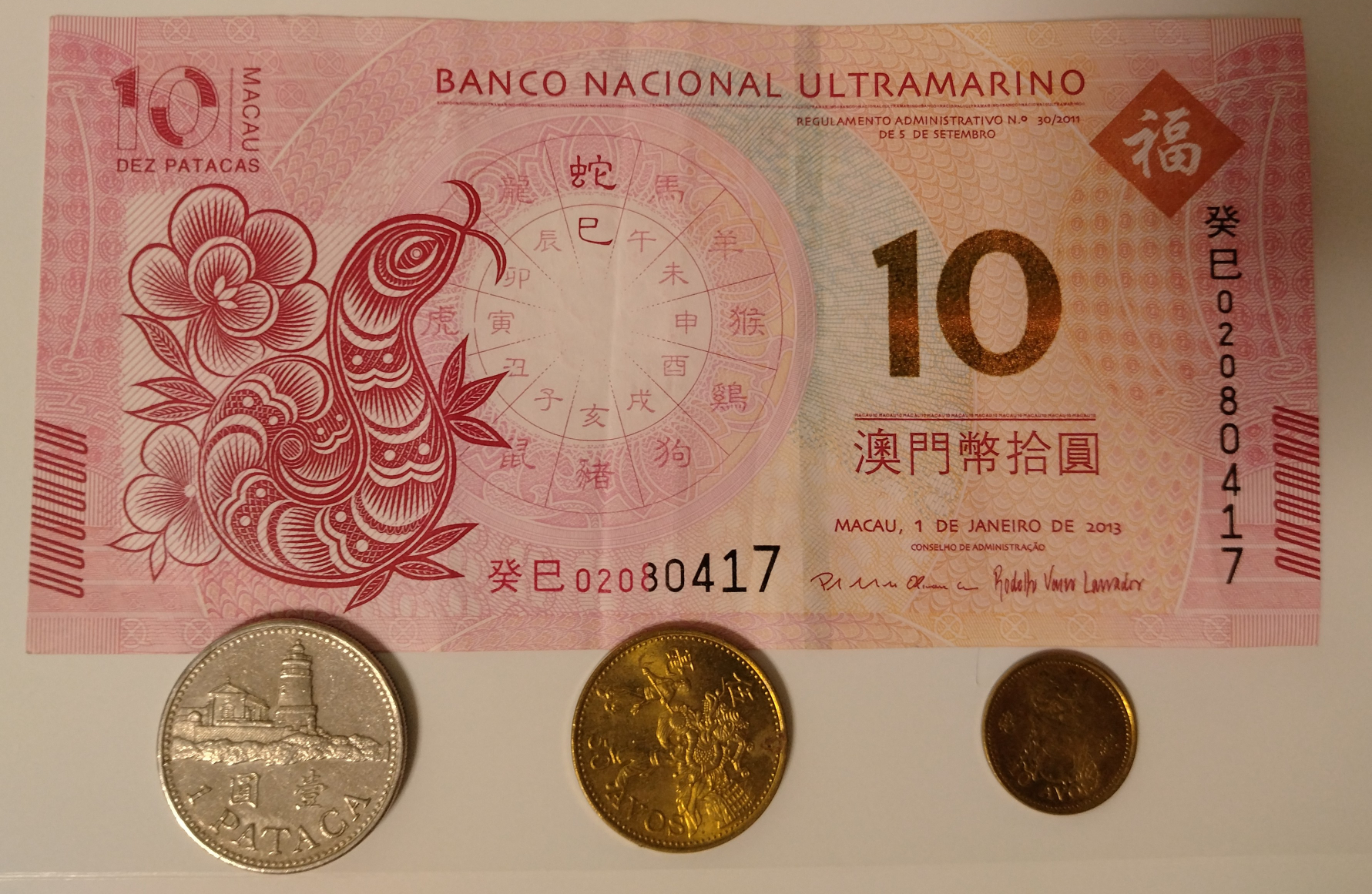
📊 How Much I Actually Spent (Reference)
During my two-day trip, I loaded a total of 250 MOP onto my Macau Passand used almost all of it.
Since I took buses frequently and paid small amounts at local shops,
a combination of cash + Macau Pass ended up being the best balance for my trip
Summary
This article is a collection of honest impressions —the items and apps that truly made me think,
“I’m so glad I brought this!” during my very first trip to Macau.
These recommendations come from real experience,from walking the streets, navigating buses,
and figuring things out on my own during a solo journey.
Macau is a little mysterious, wonderfully vibrant,and a city that grows on you the more you explore it.
I hope these tips help make your upcoming trip smoother, easier, and full of good memories.
Safe travels — and enjoy your time in Macau!